Новая функциональность
Управление событиями и мониторингом
В новой версии приложения ITSM доработаны средства автоматизации процесса Управления событиями и мониторингом. Теперь агенты, участвующие в этом процессе, могут:
- Настроить правило событий мониторинга таким образом, чтобы при выполнении определенных условий одной или несколькими записями, событие, связанное с правилом, было деактивировано. Например, можно деактивировать событие мониторинга при решении связанного инцидента. Функциональность призвана обеспечить актуальность и согласованность информации в системе.
- Настроить правило событий мониторинга на работу без механизма корреляции событий, чтобы иметь возможность сразу получить финальный результат – создание обращения.
- Настроить действие для правила событий таким образом, чтобы созданная в соответствии с этим правилом запись обновлялась при получении последующих сообщений, связанных с тем же событием, чтобы отражать актуальную ситуацию по состоянию объекта мониторинга в ITSM-записях. Для этого на форме Действий для правил событий / Action for Event Rule реализованы четыре опции:
- Создать запись
- Создать запись и задать скрипт обновления
- Обновить определенную запись
- Выполнить пользовательский скрипт
Подробнее о новых возможностях читайте в документации.
Автоматическое формирование темы типового запроса на обслуживание
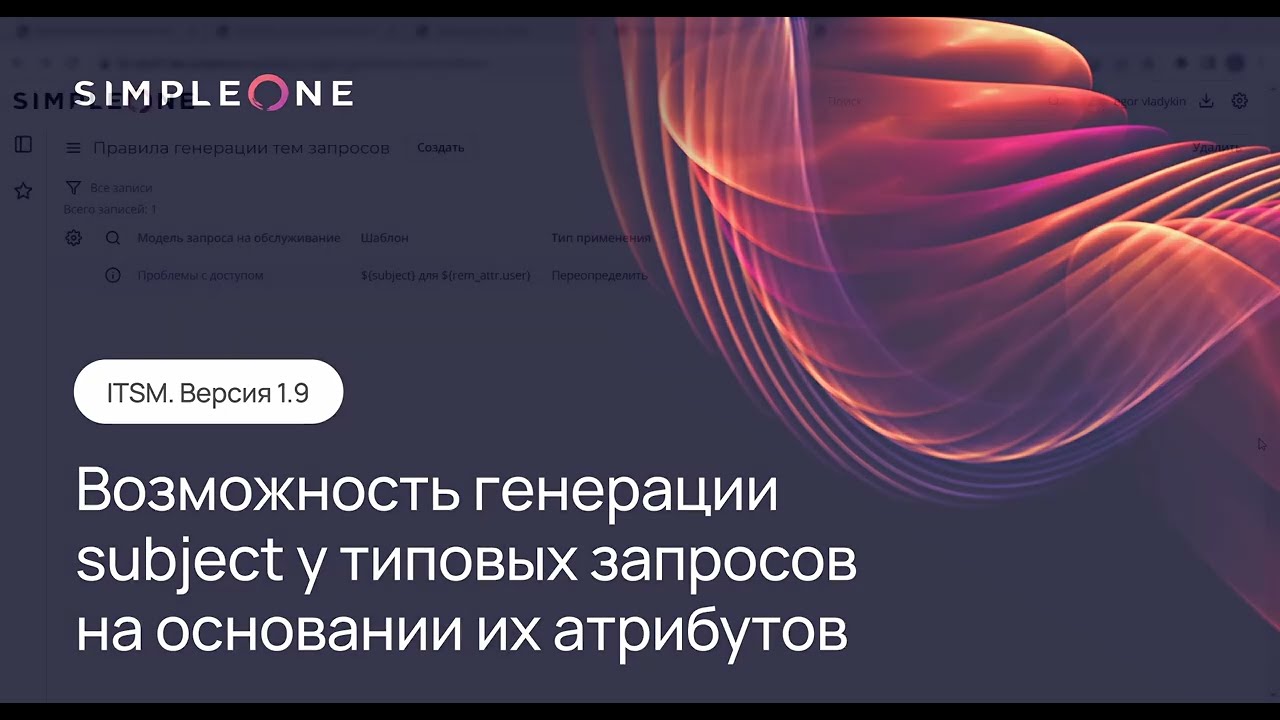
Добавлена возможность настроить правила для автоматического формирования тем запросов на обслуживание, которые используют модели запросов. При создании типового запроса система проверяет наличие правил формирования темы для данной модели запроса. Если такое правило найдено, и поле Тема / Subject пустое, оно заполняется значением, которое сформировано по указанному в правиле шаблону. Если поле Тема / Subject было заполнено при создании запроса, используется правило переопределения со следующими вариантами:
- Подставить в начале (вариант по умолчанию)
- Подставить в конце
- Не переопределять
- Переопределить
Для каждой модели можно создать только одно правило.
Для настройки правил формирования тем запросов на обслуживание следуйте инструкциям, описанным в документации.
Подробнее с функциональностью можно ознакомиться в следующем видео:
Возможность обработки изменений после проведения работ
Менеджер изменений и другие агенты, работающие с изменениями, могут изменять статусы изменений и фиксировать работы по ним после фактической даты проведения работ, а также завершать экстренные изменения, срок проведения которых истек. Данная функциональность дает возможность учитывать все изменения, которые были произведены без создания запроса, а также работы, проведенные по экстренным изменениям, если не было времени на их продвижение по статусам.
Кроме того, был реализован механизм автоматического завершения запросов на изменение, которые не были взяты В работу / In progress в запланированный период времени.
Подробнее об этом читайте в документации.
Улучшения
Оптимизирована страница Мои обращения на портале
В новой версии переработано боковое меню страницы Мои обращения / My Tickets: удалены пункты Запросы на изменение / Change Requests и Пользовательские вопросы / User Queries и добавлены пункты Закрытые инциденты / Closed Incidents и Закрытые запросы на обслуживание / Closed Service Requests. Теперь боковое меню имеет следующую структуру:
- Инциденты / Incidents
- Запросы на обслуживание / Service Requests (также содержит дочерние от запросов сущности)
- Закрытые инциденты / Closed Incidents
- Закрытые запросы на обслуживание / Closed Service Requests (также содержит дочерние от запросов сущности)
В списке на странице Мои обращения / My Tickets (/portal/my_tickets) отображаются только записи из таблиц Инциденты / Incidents и Запросы (включая дочерние от запросов сущности), статус которых не равен Закрыт / Closed.
Кроме того, теперь:
- Поиск на портале осуществляется только по инцидентам и запросам.
- Невозможно перейти по прямой ссылке на портале на записи других ITSM-таблиц:
- Запросы на изменение / Change Request
- Задачи запросов на изменение / Change Task
- Задачи инцидентов / Incident Task
- Задачи запросов на обслуживание / Request Task
- Пользовательские вопросы / User Queries
Новый виджет оценки результата обработки обращения
На сервисном портале отправитель запроса может принять или отклонить решение обращения, а также оценить результаты работы по обращению на форме просмотра задачи. Если пользователь принимает решение обращения, статус обращения меняется на Закрыт / Closed и появляется форма оценки качества услуги. Если пользователь отклоняет решение обращения, статус обращения меняется на Отклонено пользователем / Rejected by user и появляется форма для указания причины отклонения. Подробнее читайте в документации.
Обновлены шаблоны уведомлений об инцидентах, запросах на изменение и проблемах
В тему уведомлений об инцидентах, запросах на изменение и проблемах теперь добавляется значение поля Тема / Subject по заданным шаблонам. Пример: INC00001 Зарегистрирован – Не работает портал. Благодаря этому проще понять о какой конкретно записи идет речь в уведомлении.
Обновлены портальные стили ITSM
Стили портального интерфейса форм и виджетов ITSM приведены в соответствие со стилями системы.
Исправления
DEF0017079: Добавлена валидация полей JSON и Атрибуты и ключи / Attributes and keys в виджете создания источника мониторинга. Теперь в этих полях нельзя задать ключ, состоящий из одного символа “_”, “,” или “|”, что приводило к ошибке при создании источника мониторинга.
DEF0016713: При создании обращения убрали обязательность заполнения поля Связанное обращение / Related ticket.
DEF0016605: При переводе инцидентов и запросов на обслуживание из статуса Отложен / Postponed в статус Закрыт / Closed теперь не отправляется уведомление о возобновлении работ.
DEF0016603: Назначенному пользователю теперь не приходит уведомление при переводе им самим инцидента или запроса на обслуживание из статуса Отложен / Postponed в статус В работе / In progress.
DEF0017080, DEF0016057, DEF0016028: Добавлены недостающие и откорректированы существующие переводы системных элементов для улучшения качества продукта и удобного взаимодействия с ним.