Новая функциональность
Ограничение рабочего времени для списания
Настроили бизнес-правило, которое учитывает график работы сотрудников и позволяет им списывать на задачи только доступное им рабочее время.
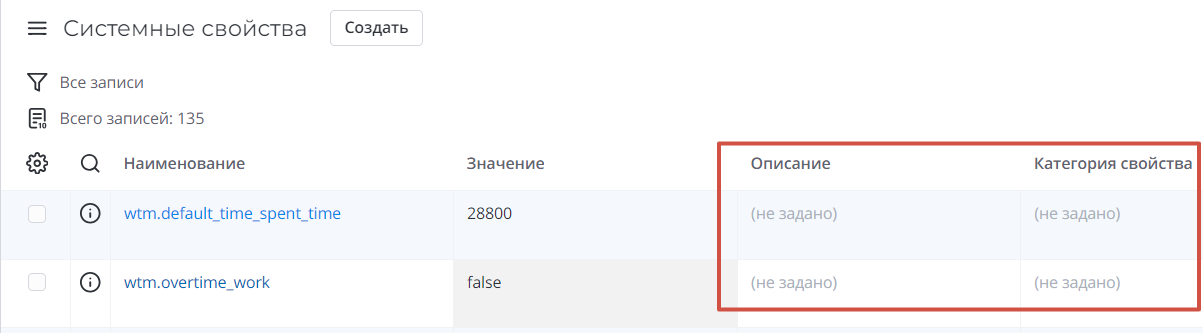
Также добавили два системных свойства:
- wtm.overtime_work, при включении которого сотрудники смогут списывать трудозатраты с переработками.
- wtm.default_time_spent_time, в котором можно в секундах задать значение лимита времени по умолчанию, доступное сотрудникам без графика работы для списывания на задачи.
Для расчета доступного времени списания из графика работы сотрудников учитываются все элементы календаря, кроме элементов типа Исключая и Отгул. Если элемент календаря с типом Исключая или Отгул создан после элемента, который учитывается в расчетах графика, и при этом пересекается с ним по времени, то из графика вычитается время пересечения.
Табель трудозатрат
В колонках дней недели и чисел указывается общее количество времени, списанное за день на задачи. Кроме этого отображается цветовая индикация:
- Синий – не все время из установленного лимита времени по графику работу списано за день.
- Зеленый – списан весь лимит установленного времени по графику работы за день.
- Красный – превышен лимит установленного времени по графику работы за день.
Во всплывающих подсказках к индикациям указывается время, которое осталось списать, или время переработки.