Добрый день!
Подскажите, как у поля типа reference убрать иконку +, которая создает новую запись в связанной таблице?
Я создал расширенную модель данных, в которой есть атрибут типа reference. В таблице, на которую он ссылается в правилах acl я ограничил создание ролью администратора. Теперь при создании запроса пользователь при нажатии на иконку + создать новую запись не может, но хотелось бы ее убрать совсем.
Через ACL убирается, но попробуйте сначала зайти под обычным пользователем без ролей и проверить есть ли “+”. Это операция добавления новой записи, собственно в ACL нужно будет правило, на создание, а в ролях указать те роли которые могут создавать, тогда “+” пропадет для всех, кто не входит в роль
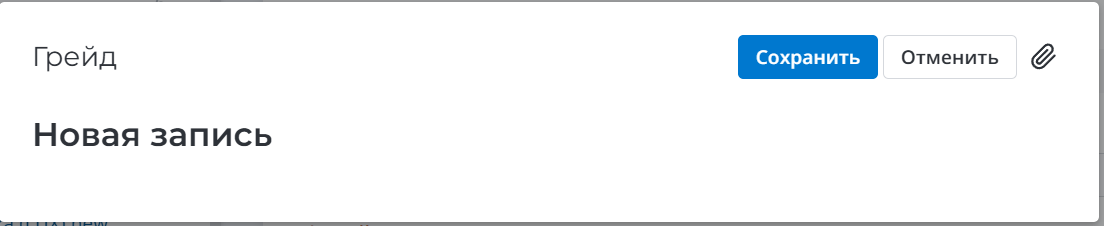
Именно так я и сделал. Под пользователем без роли я “+” вижу, а при нажатии выходит такое окно.
а какая версия системы? я на 1.30 сделал как описано выше и “+” нет.
Возможно особенности версии
Разобрался в проблеме. В настройках ACL я ставил галку “Для всех полей“, из-за этого было такое поведение. Евгений, спасибо за участие!
Когда галки нет правило на таблицу распространяется, а с ней уже на поля. Оно конечно не понятно зачем при создании так, сделано. В основном это при редактировании применяют